
Perfex CRM Payment Gateway Bundle – PayU, CoinGate, Shift4
0 Sales- Update Date
29 Sep, 2025
- Release Date
31 May, 2025
- Current Version
1.0.1
- Frameworks
CodeIgniter
- Compatible Browsers
IE 11, Firefox, Safari, Opera, Chrome, Edge
- Files Included
JavaScript JS, JavaScript JSON, HTML, CSS, PHP
- Software Versions
PHP 8.x, PHP 7.x
CodeCanyon
Discounted Item
Secure Payments

Overview
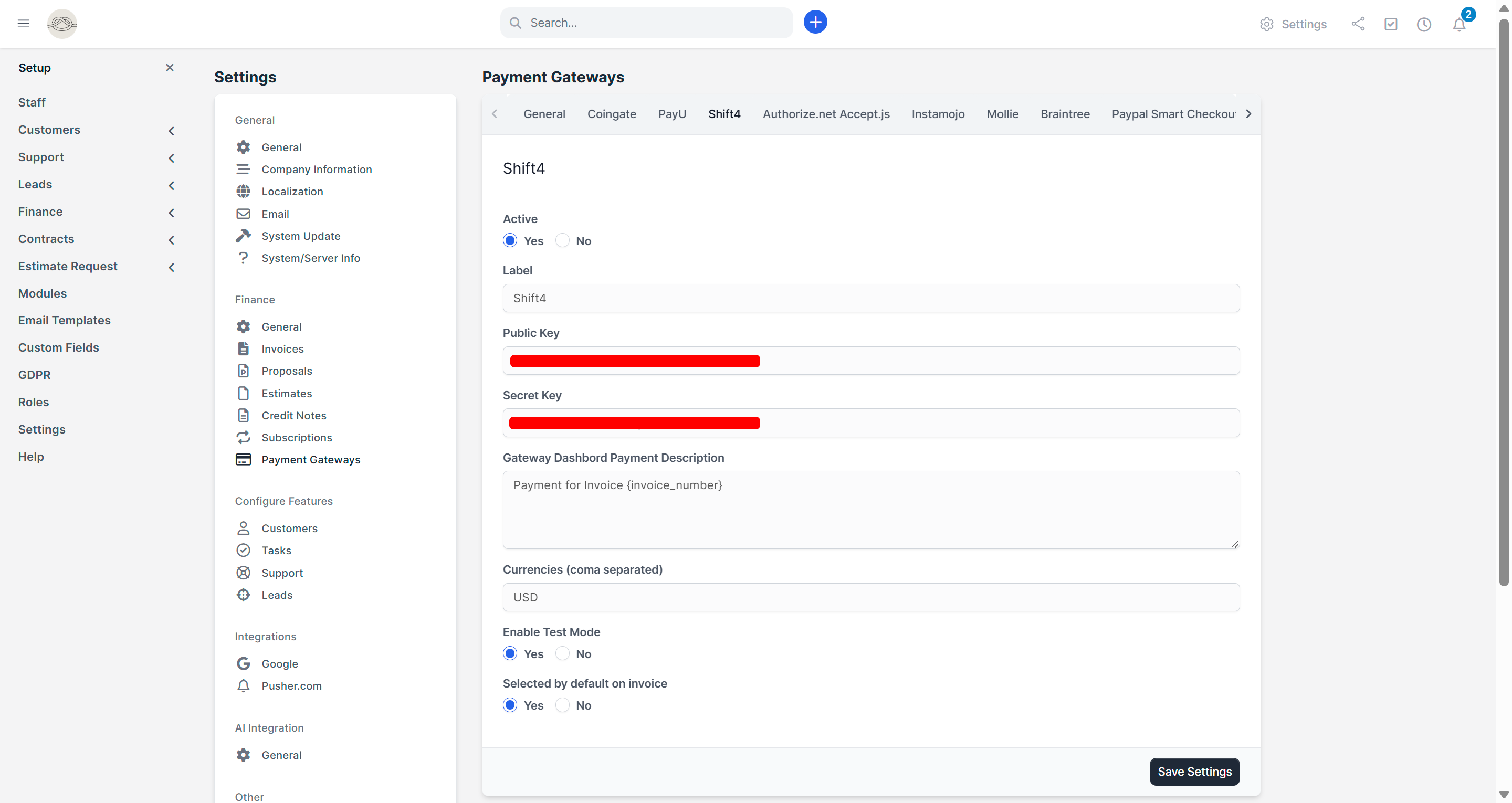
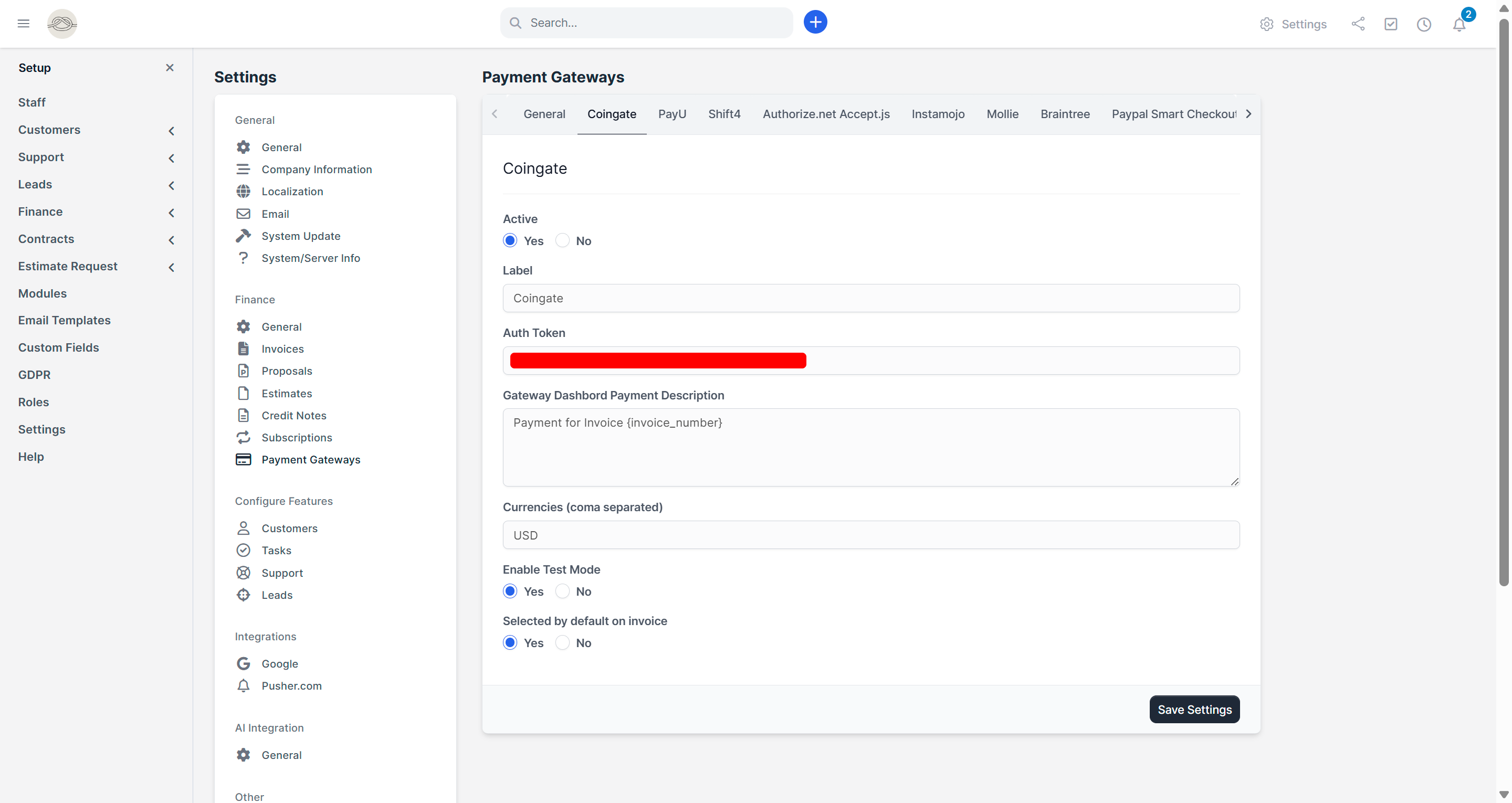
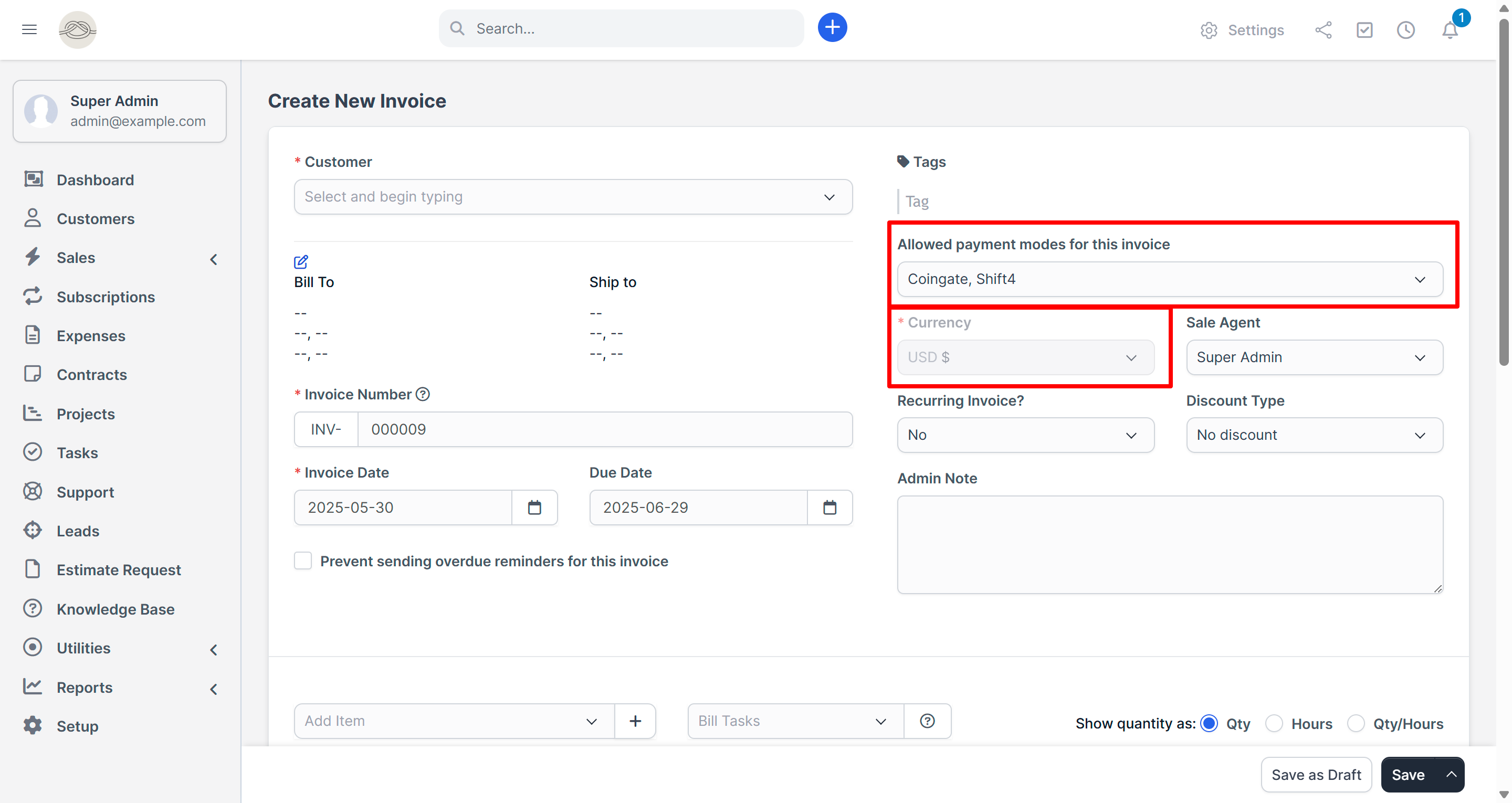
The Perfex CRM Payment Gateway Bundle is a powerful 3-in-1 integration pack that brings PayU, Coingate, and Shift4 support to your Perfex CRM installation. Whether you're accepting credit cards, crypto payments, UPI, or global methods, this bundle simplifies the process with secure and seamless integration.
Each module is designed to work out-of-the-box with minimal configuration, helping you save time, reduce development effort, and enhance your customer experience.
No code modification required. Just upload, configure, and start accepting payments in minutes.
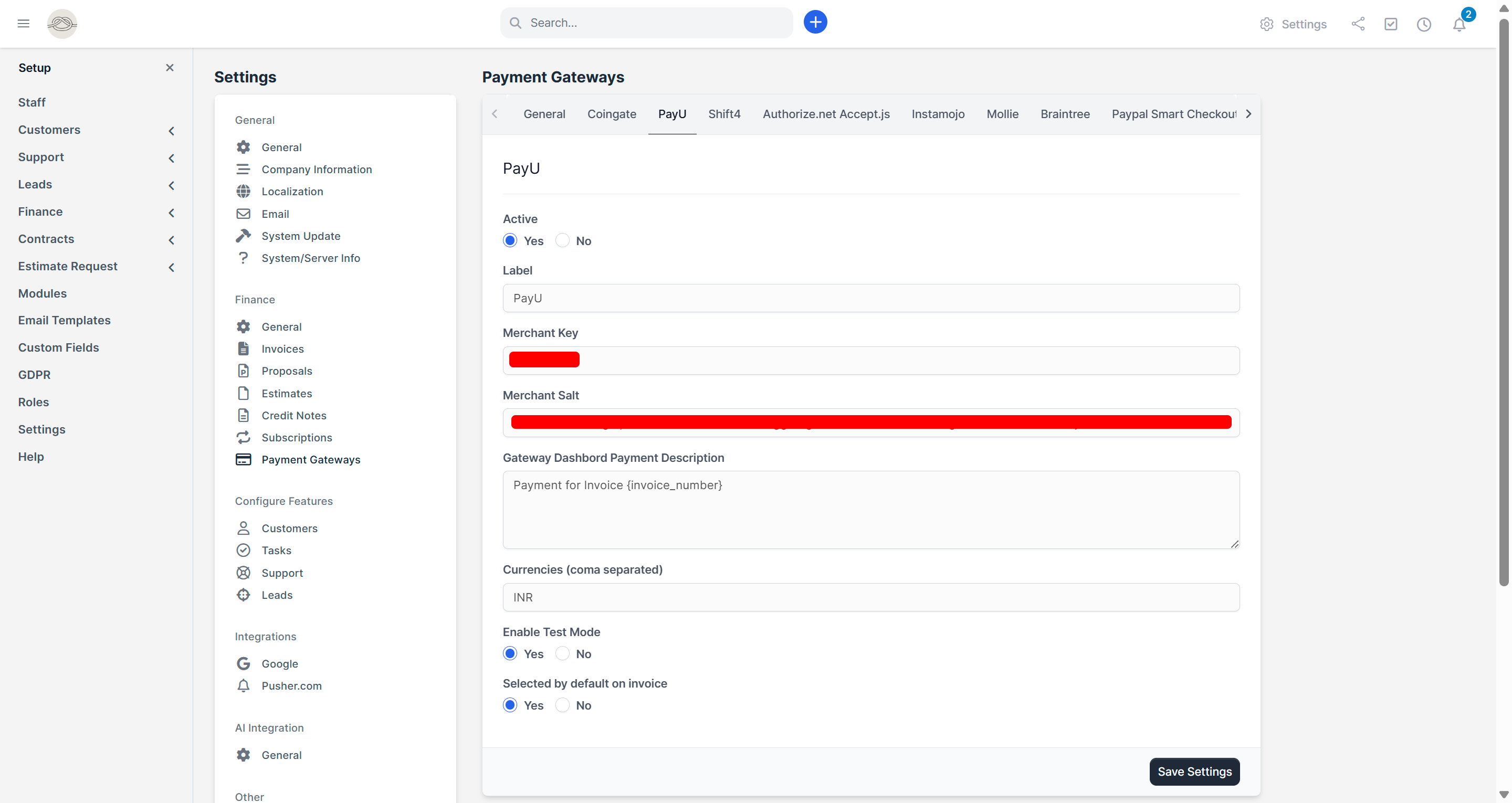
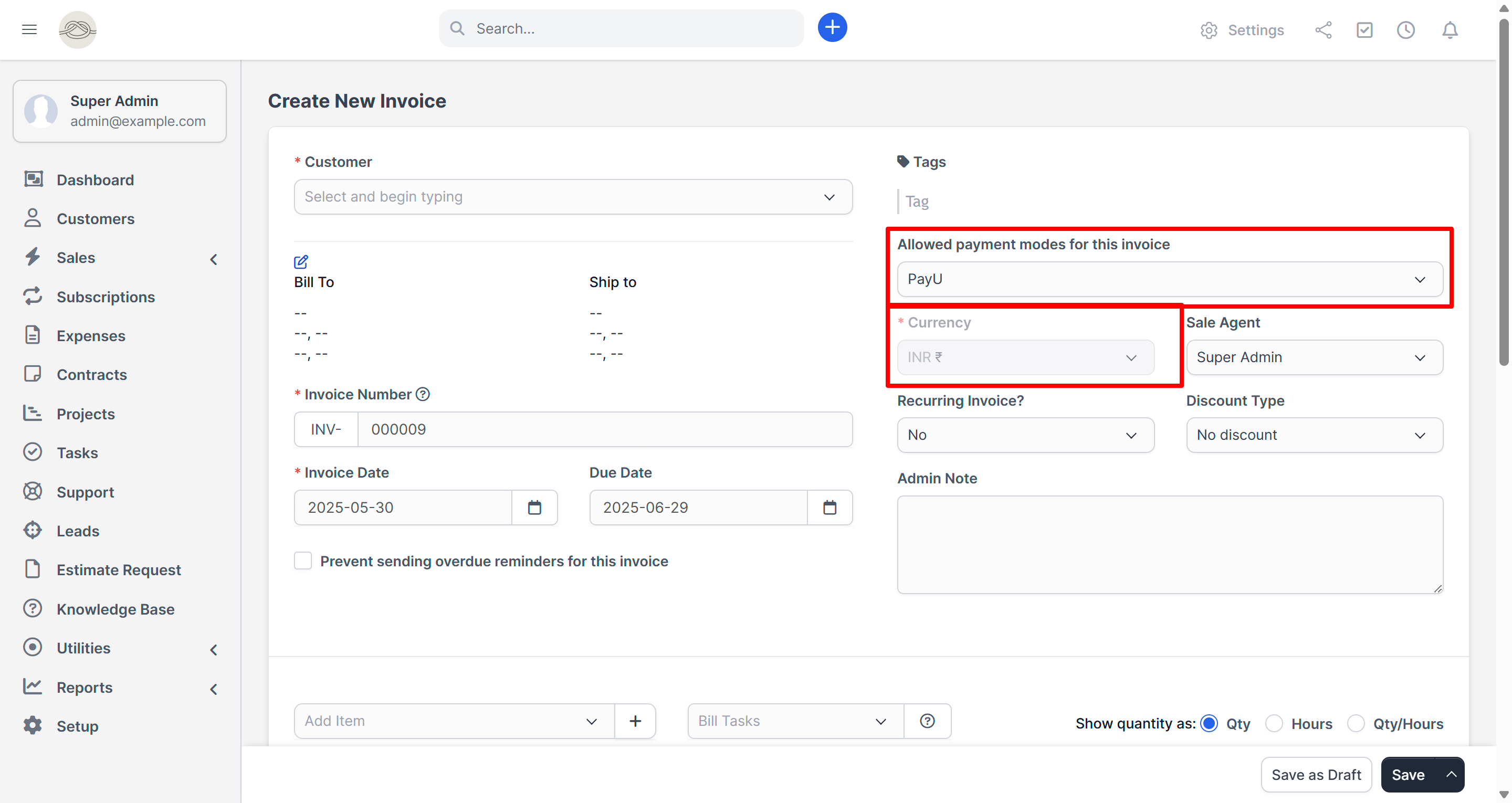
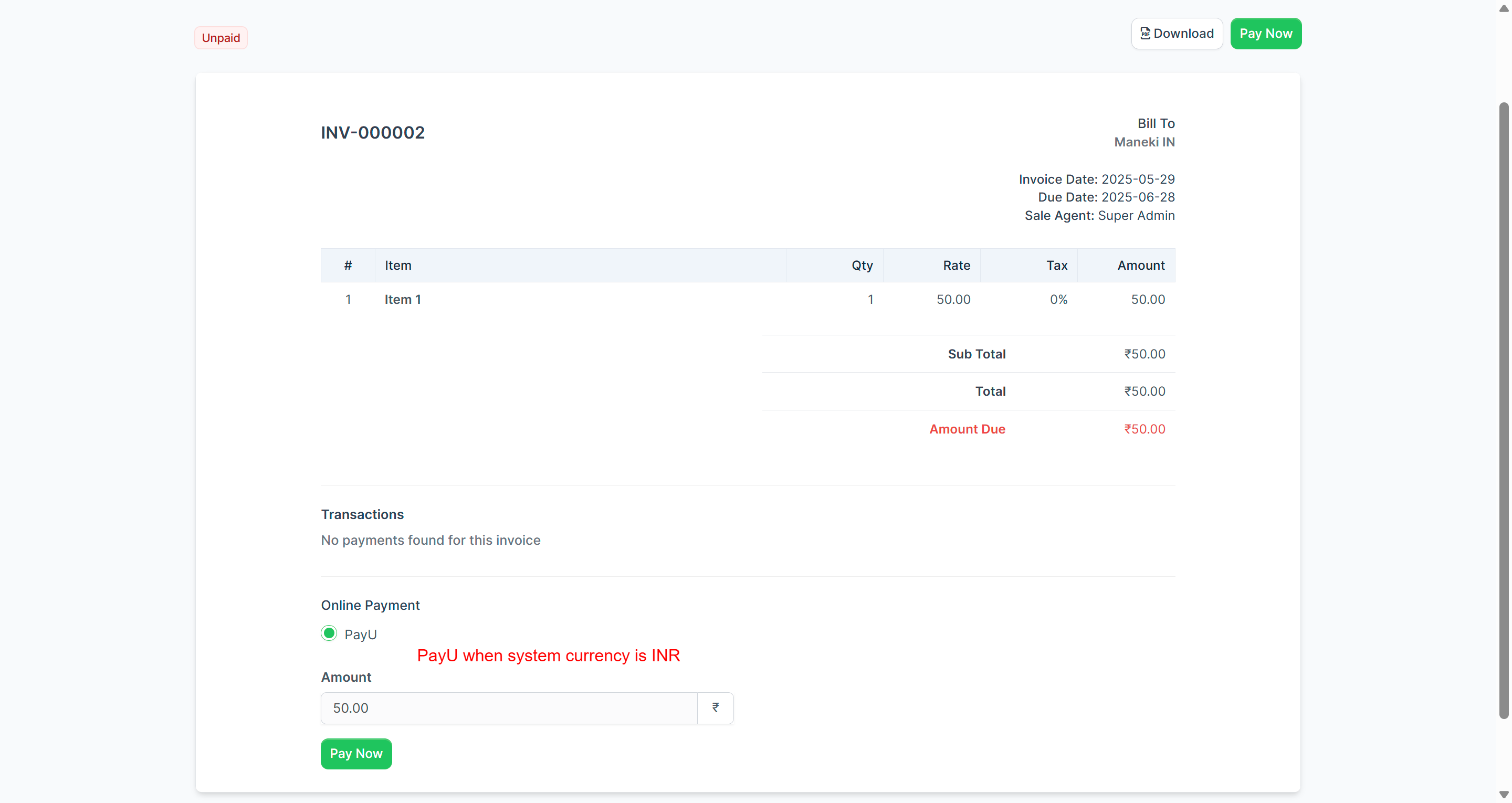
Important: PayU requires INR currency for test mode, so we have provided a separate demo specifically for PayU. See the "PayU Demo (INR - Separate Environment)" section below for details.
Coingate & Shift4 Demo (Crypto, USD)
Admin Login: https://perfex.codeonstring.com/admin
Email: admin@example.com
Password: 123456789
Customer Login: https://perfex.codeonstring.com/login
Email: customerone@example.com
Password: 123456789
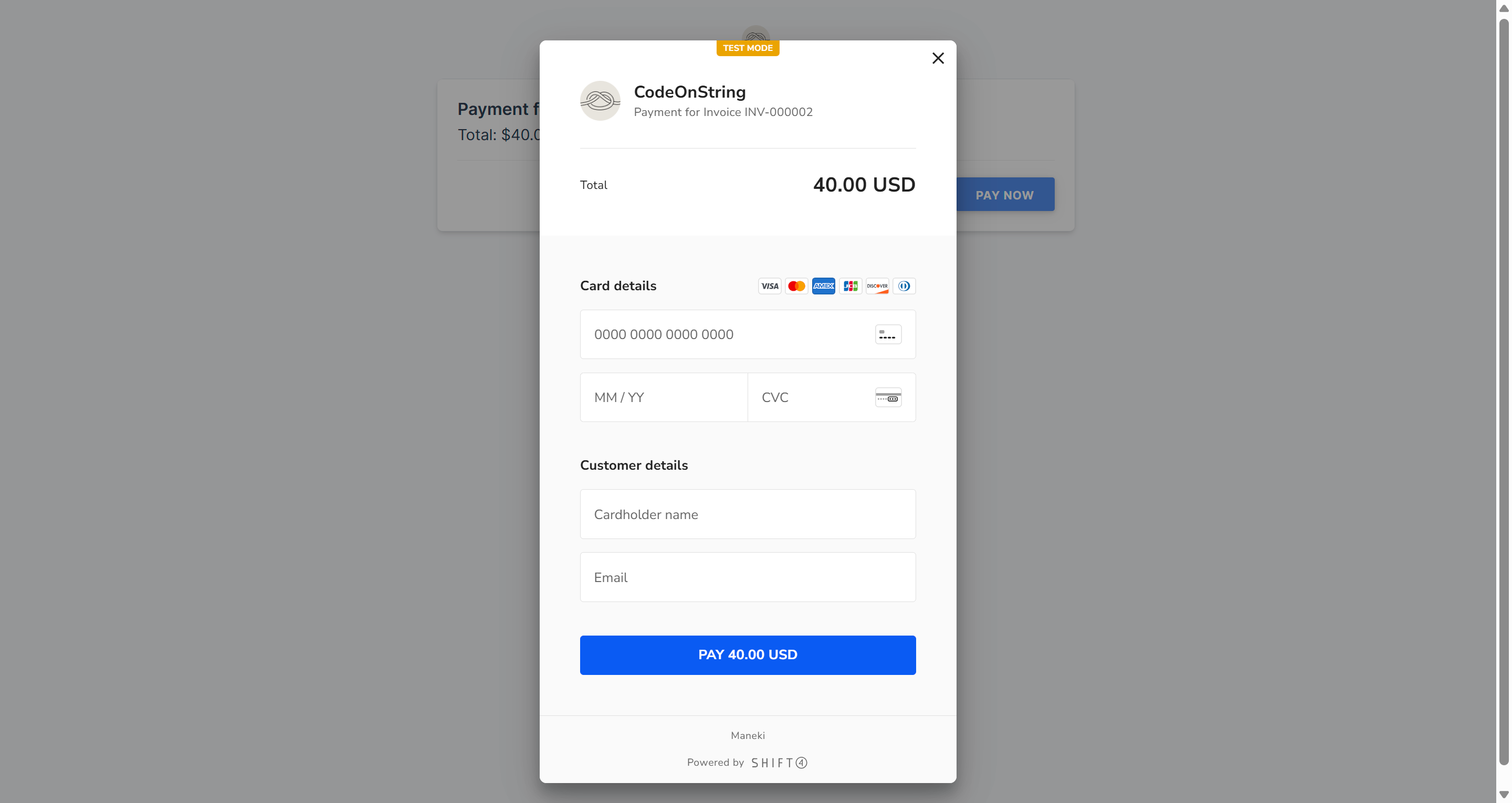
Test Card for Shift4
Card: 4242 4242 4242 4242
Expiry: 12/25
CVV: 111
Email: test@example.com
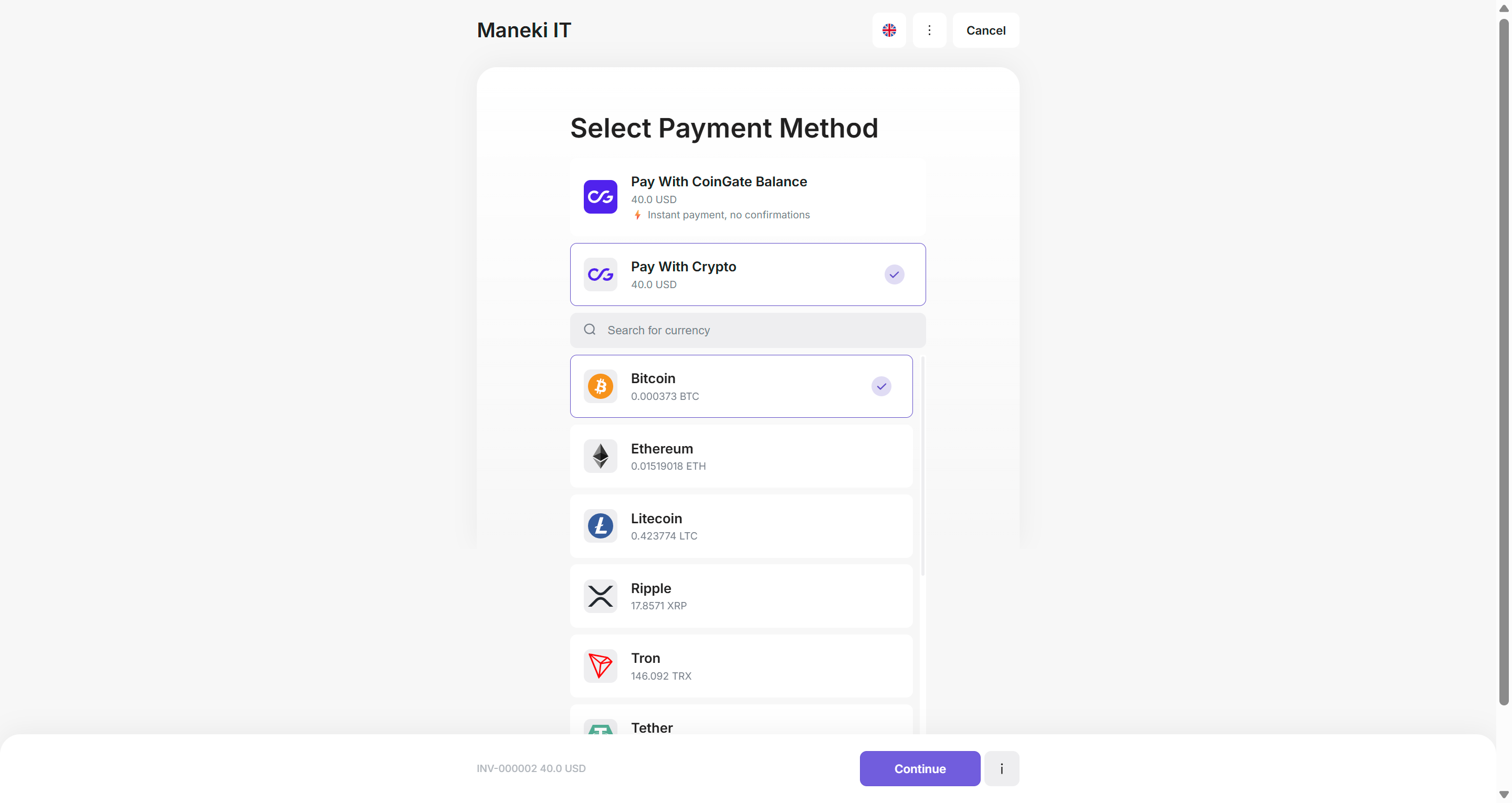
Testing for Coingate
Coingate does not require specific test credentials. Select your preferred cryptocurrency or payment method and proceed. The module simulates the response flow using the Success and Failure URL redirections.
How to Test (Shift4 & Coingate)
1. Log in as a customer.
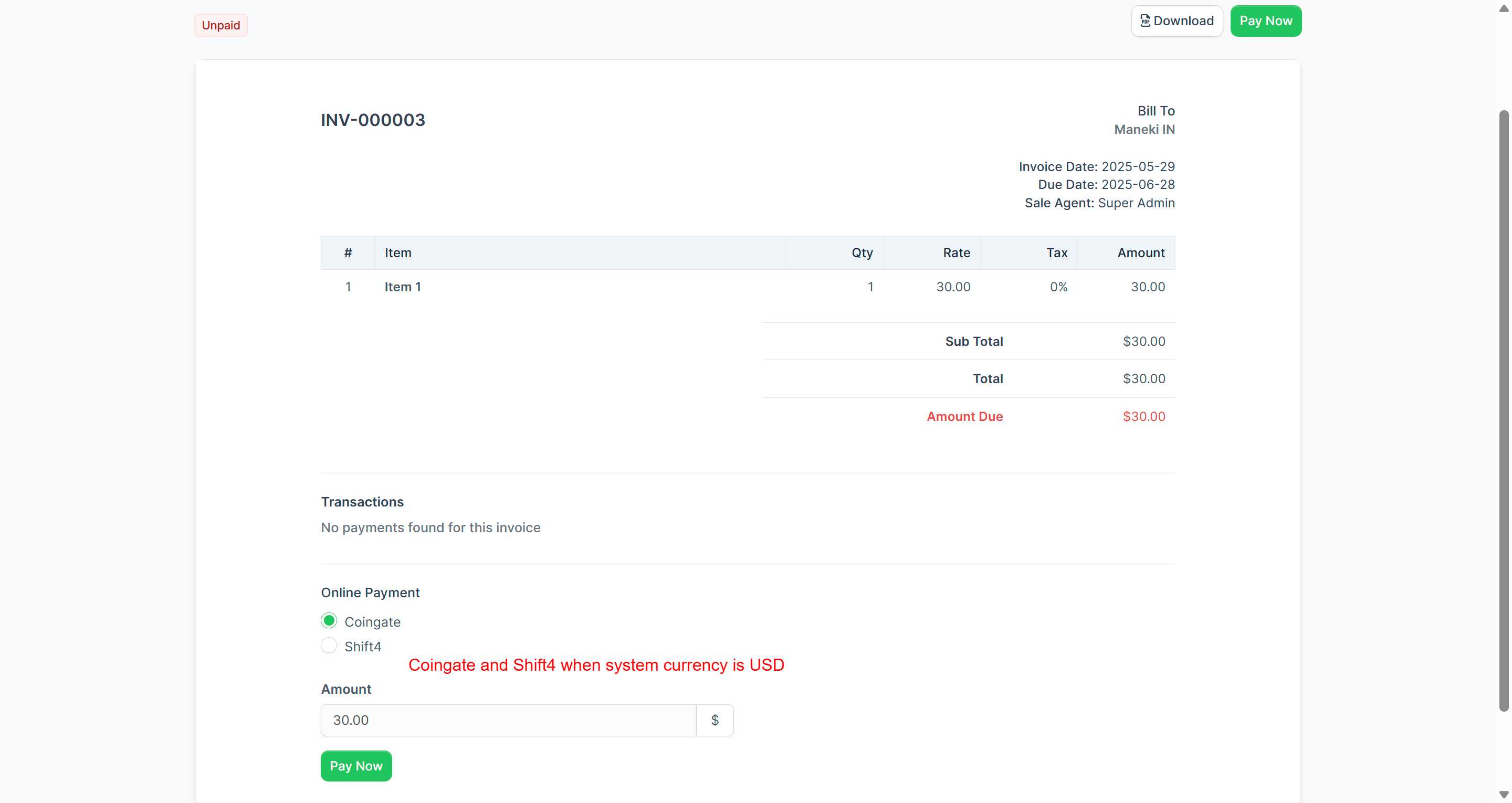
2. Go to an unpaid invoice and click "Pay Now".
3. Select Shift4 or Coingate from the available gateways.
4. Use the test card (Shift4) or proceed with dummy crypto selection (Coingate).
5. Upon success, the invoice will be marked as paid.
PayU Demo (INR - Separate Environment)
Admin Login: https://perfex.codeonstring.com/payu-demo/admin
Email: admin@example.com
Password: 123456789
Customer Login: https://perfex.codeonstring.com/payu-demo/login
Email: customerone@example.com
Password: 123456789
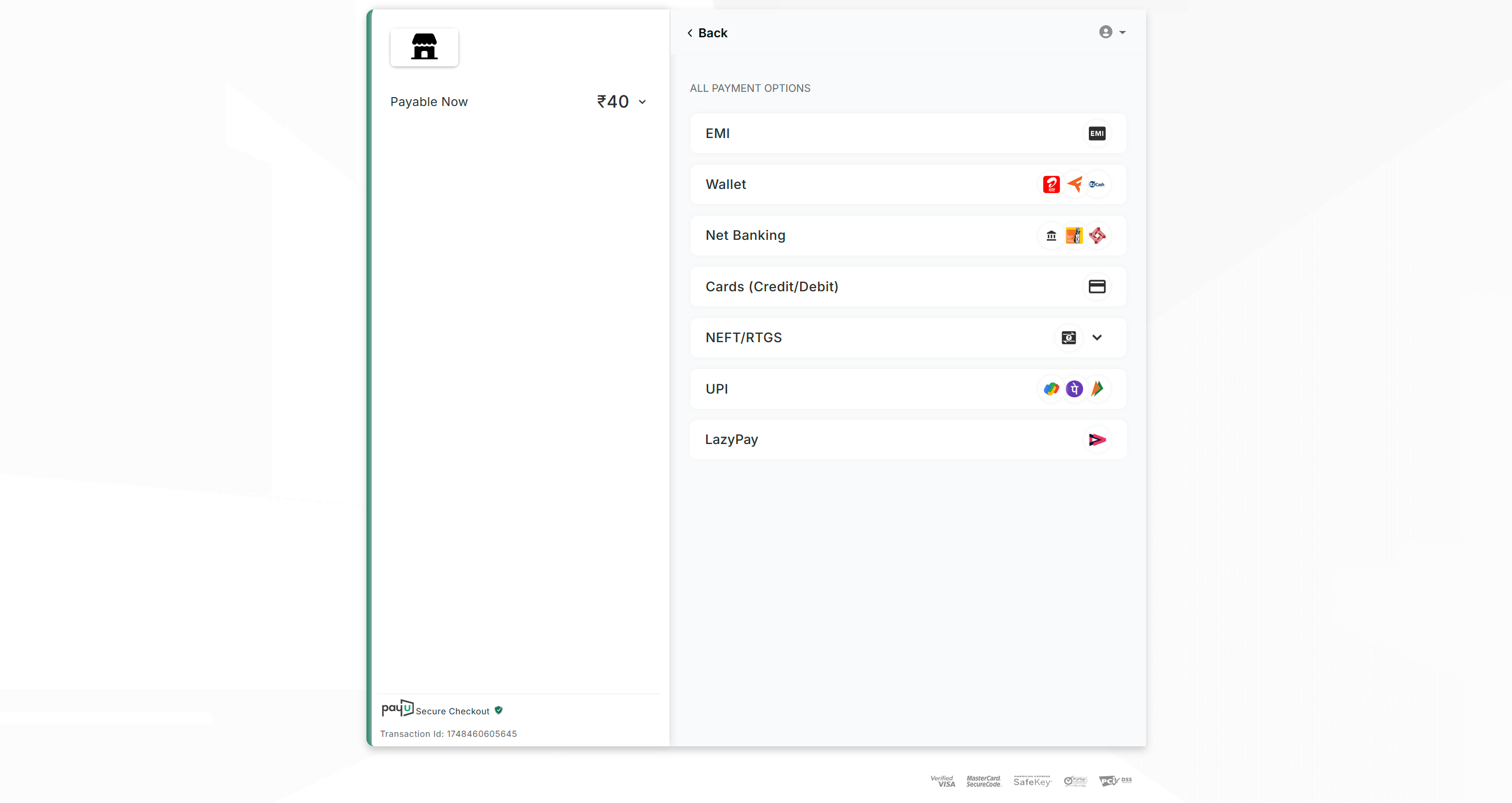
Test Card for PayU
Card : 5118 7000 0000 0003
Expiry: 12/25
CVV: 111
Name : Test (any name)
OTP : 123456
Test UPI for PayU
anything@payu
How to Test (PayU)
1. Log in as a customer.
2. Go to an unpaid invoice and click "Pay Now".
3. Select PayU as the gateway.
4. Use the test card or UPI above. Enter OTP as 123456.
5. On success, the invoice will reflect the paid status.
Features
- Seamless integration with Perfex CRM (v3.1.0 and above)
- Easy installation and configuration – no coding required
- Support for Sandbox/Test Mode on all gateways
- Secure and PCI-DSS compliant workflows
- Customizable payment descriptions
- Multi-currency support
What's Included
- PayU Payment Module
- Coingate Payment Module
- Shift4 Payment Module
- Documentation
- Free lifetime updates
- Module support
Requirements
- Perfex CRM version 3.1.0 or higher
Documentation
For detailed instructions on installation, configuration, and obtaining API credentials, please refer to the online documentation at: https://perfex.codeonstring.com/bundle-documentation
Change Log
Version 1.0.1 - PayU and Shift4 Module Only
    - Minor Bug fixed

Version 1.0.0
    - Initial Release
Have something in mind?